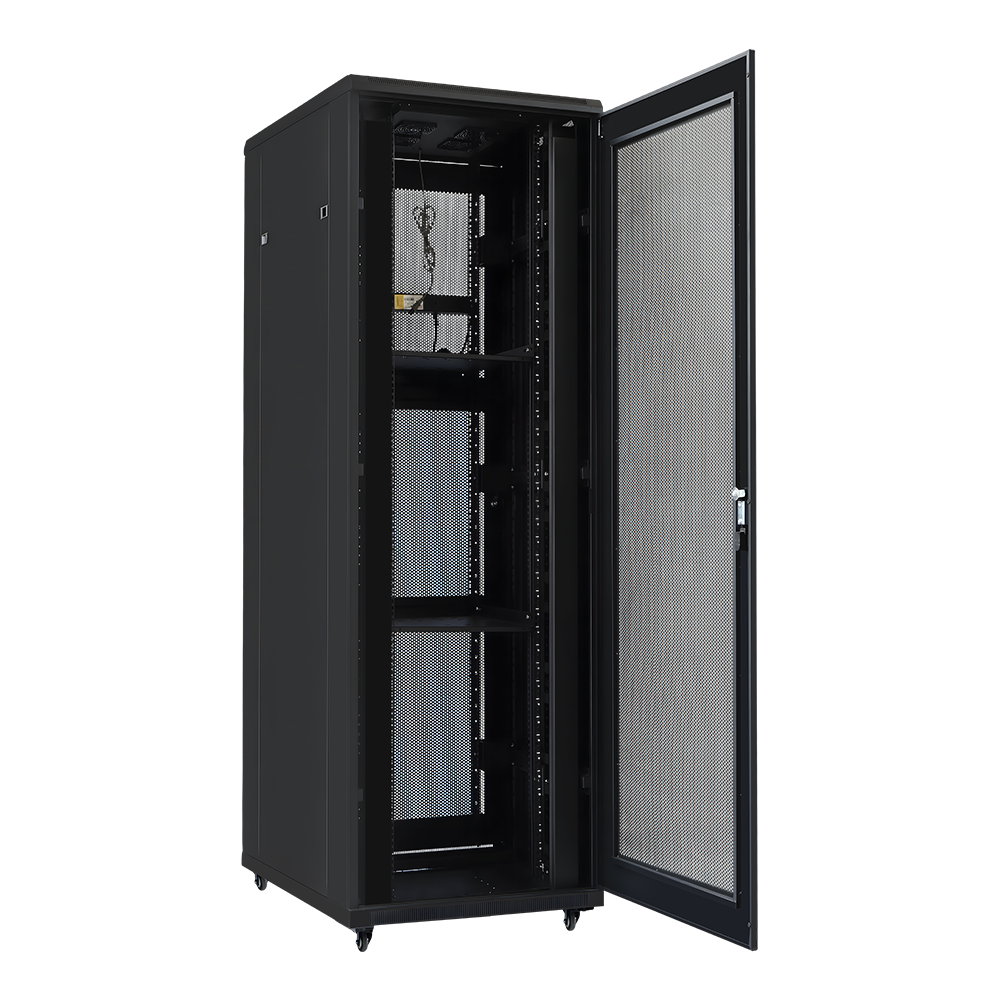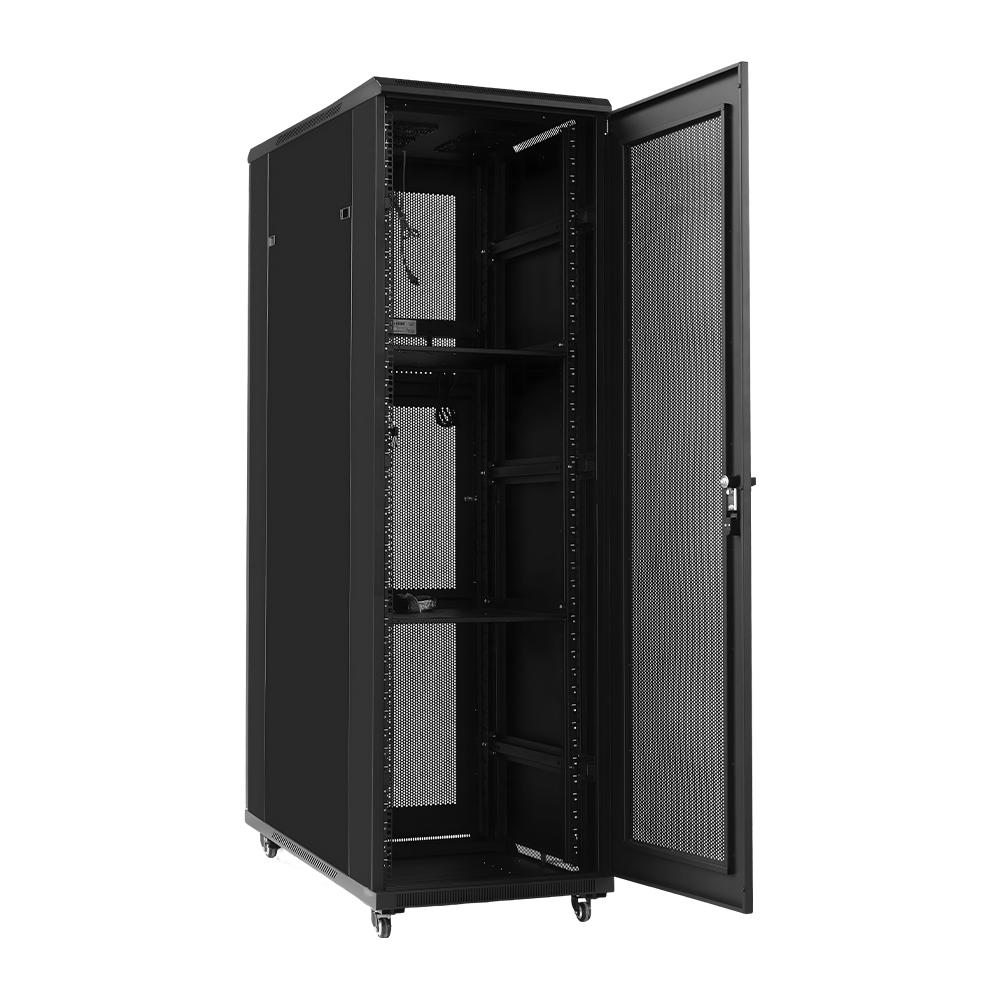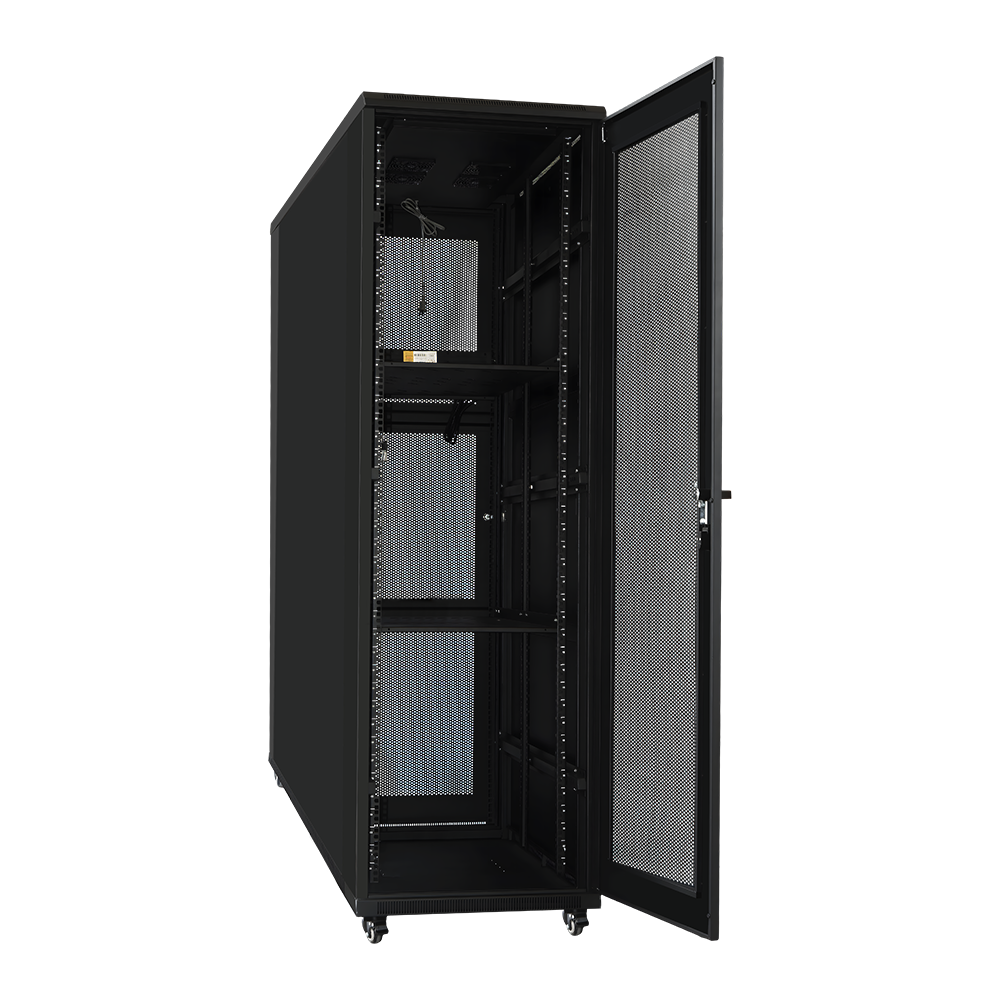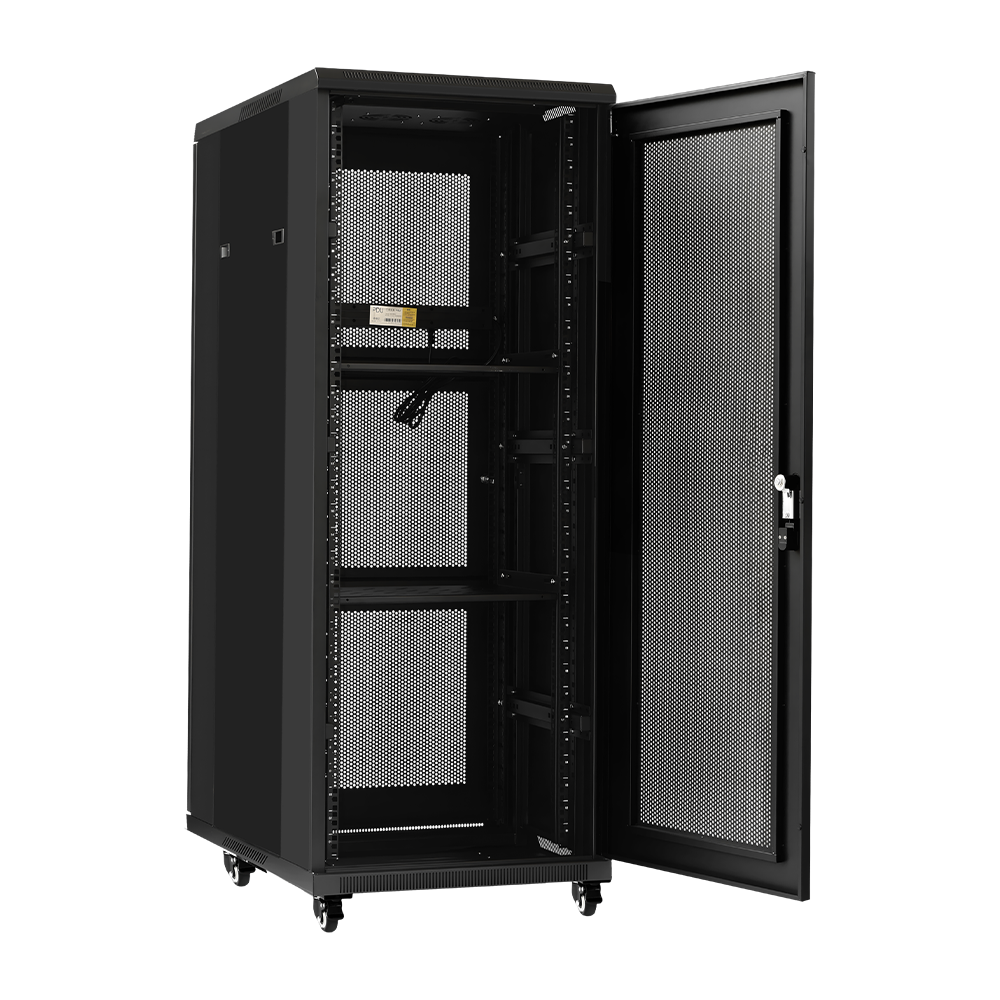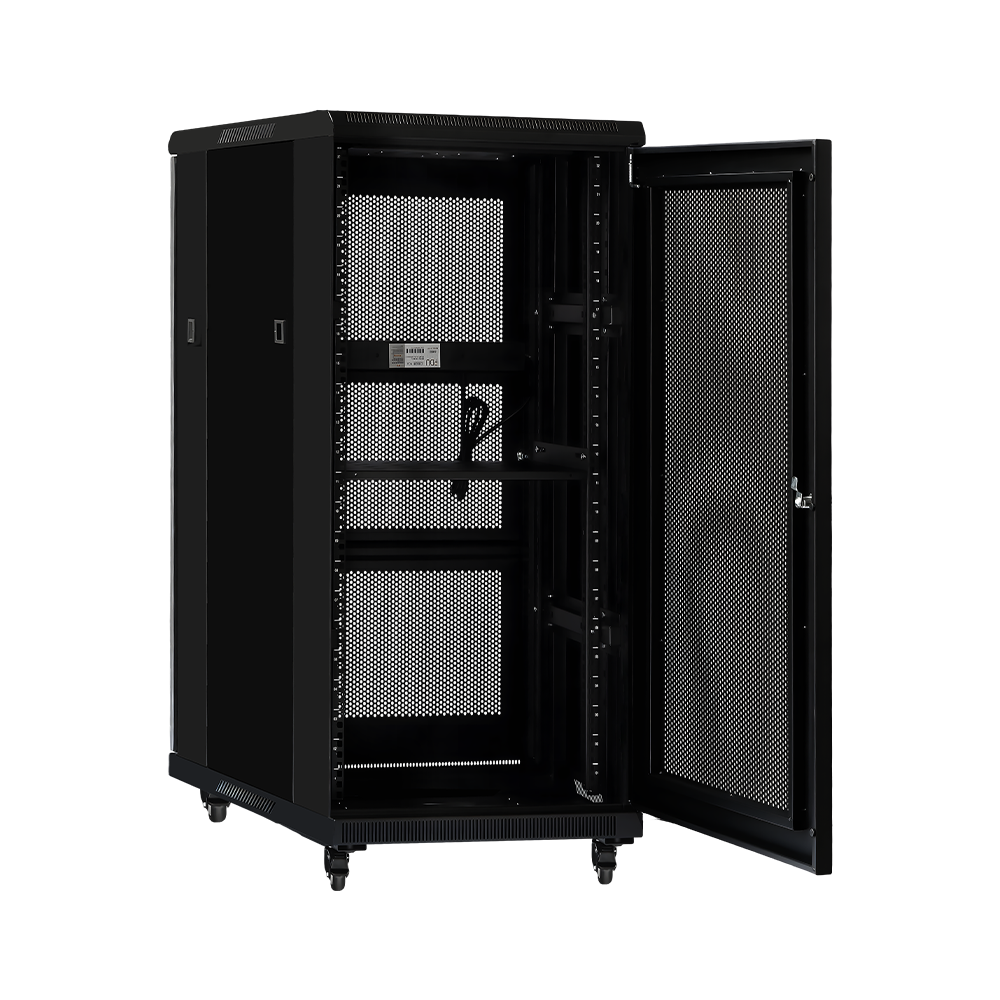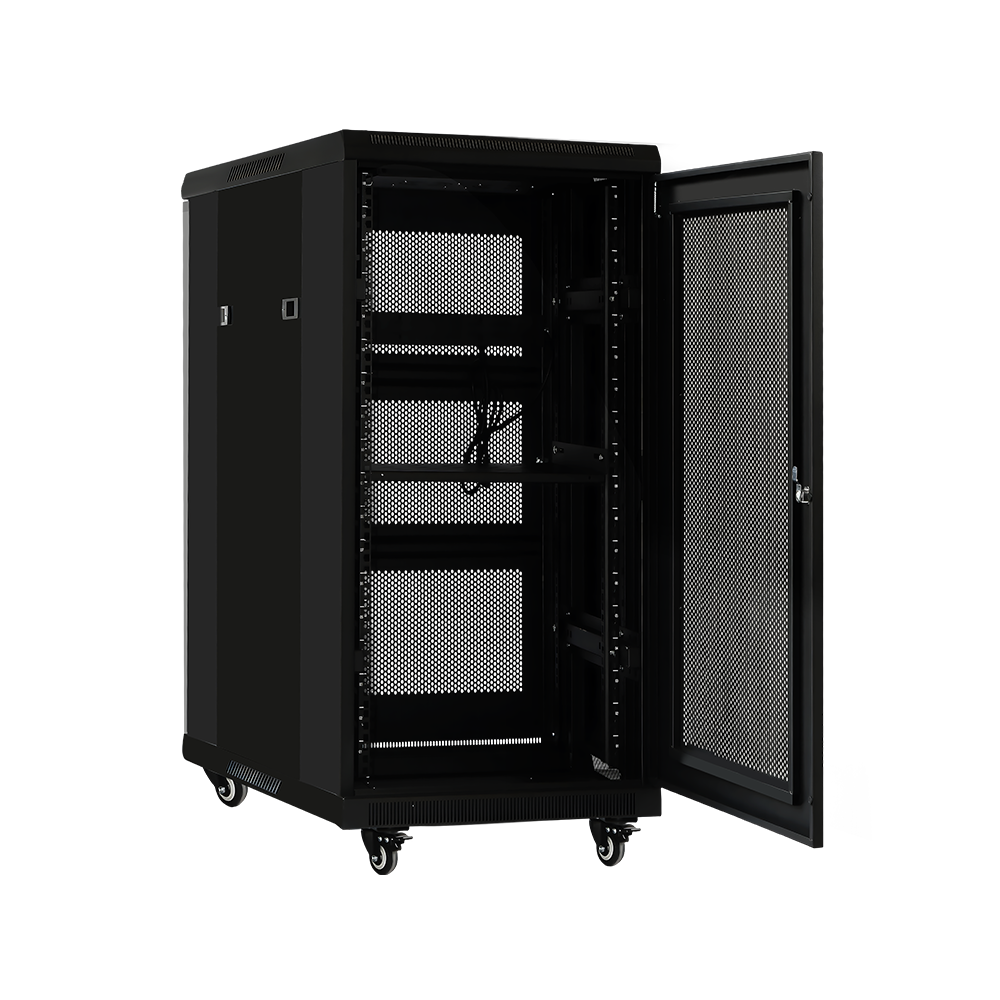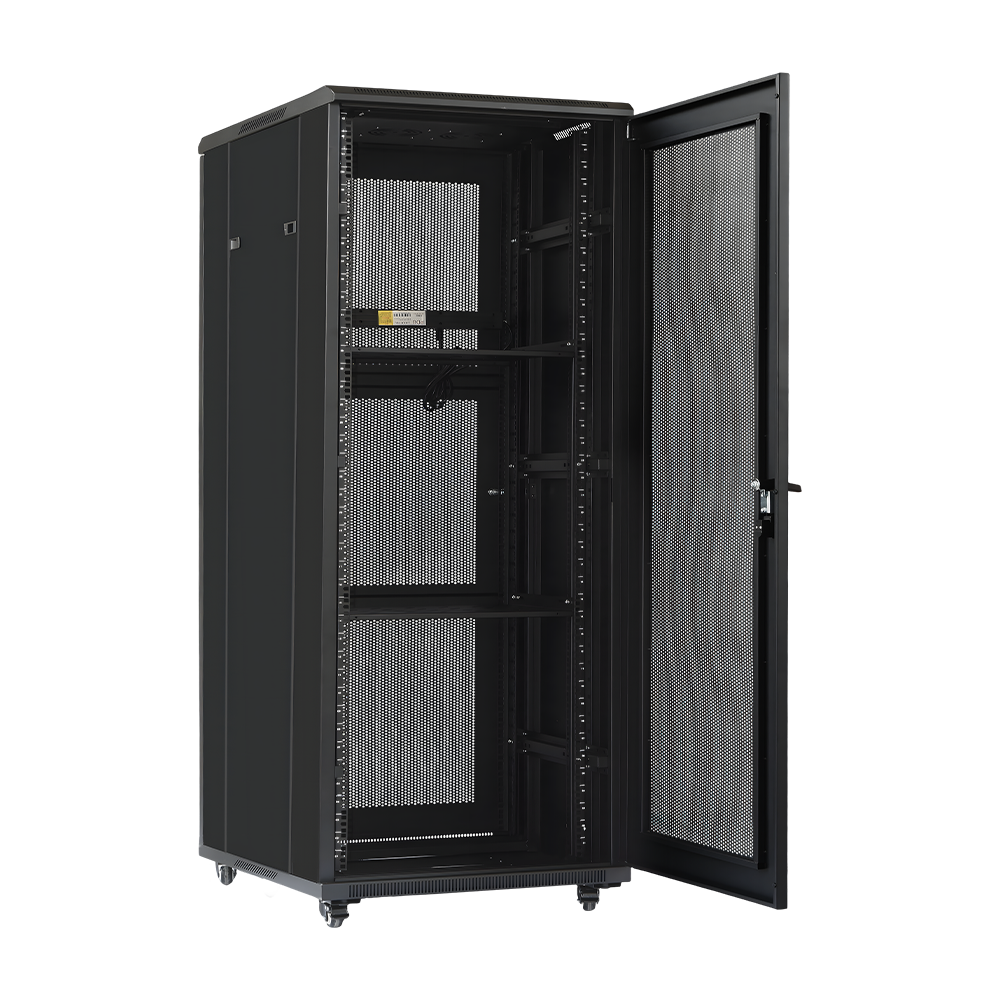


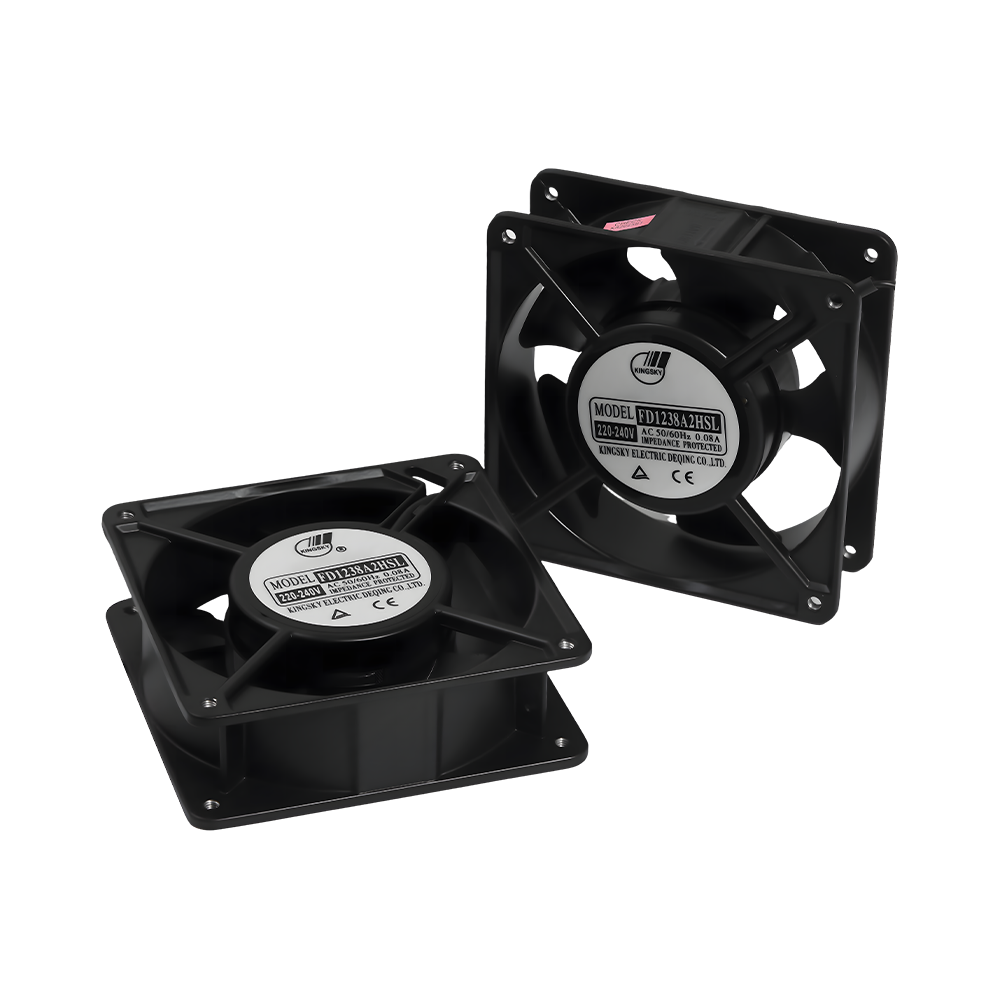
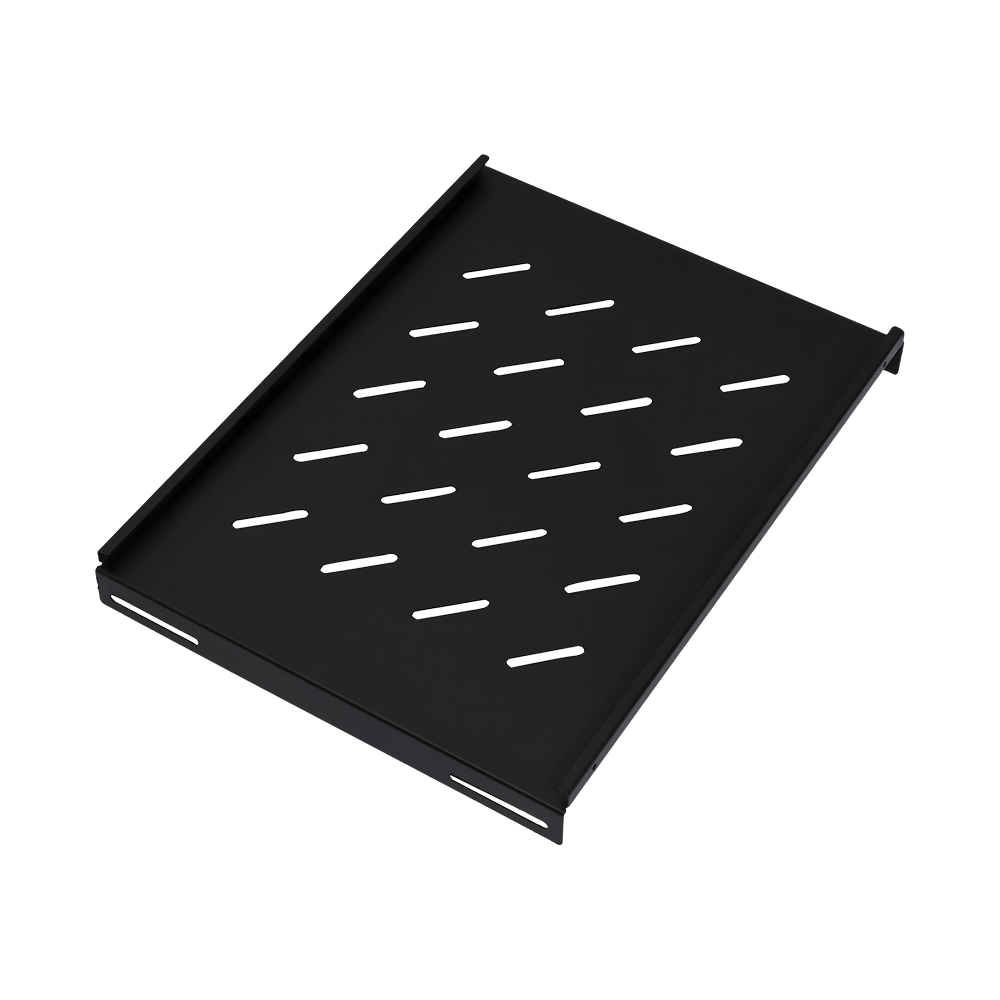
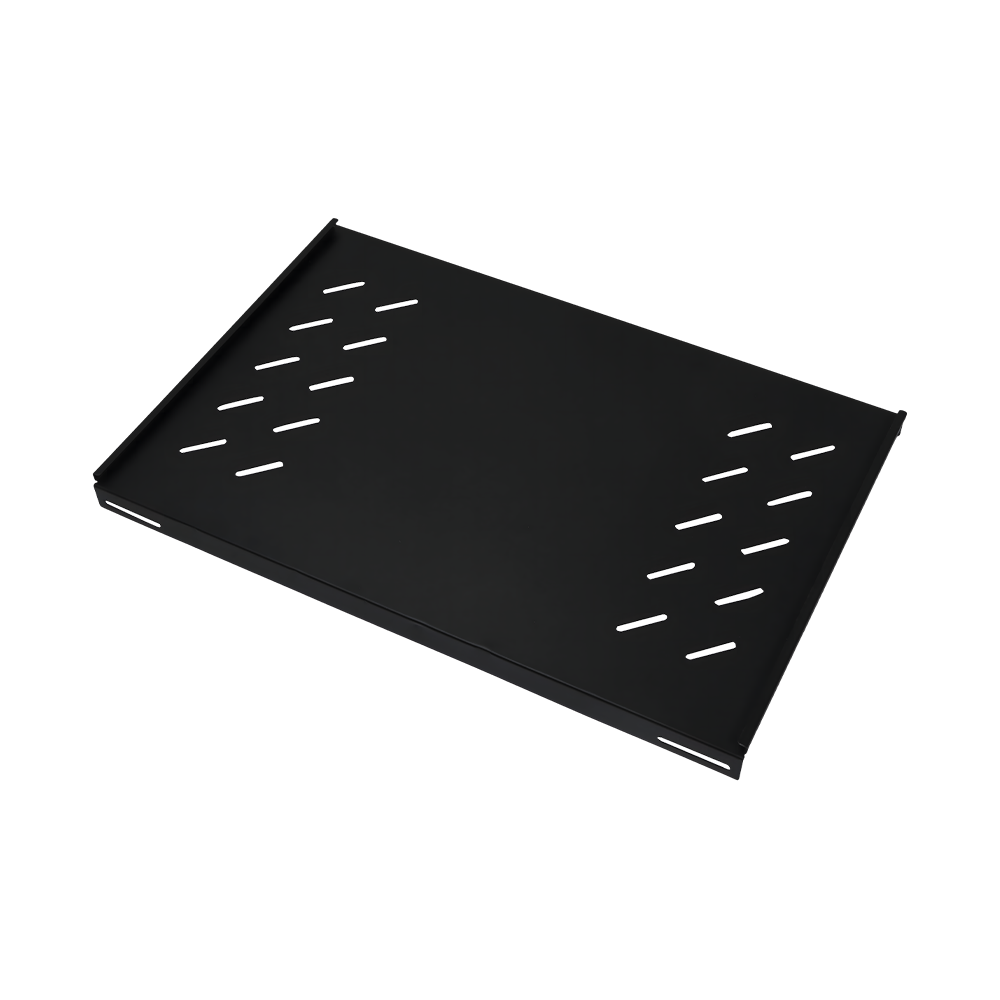
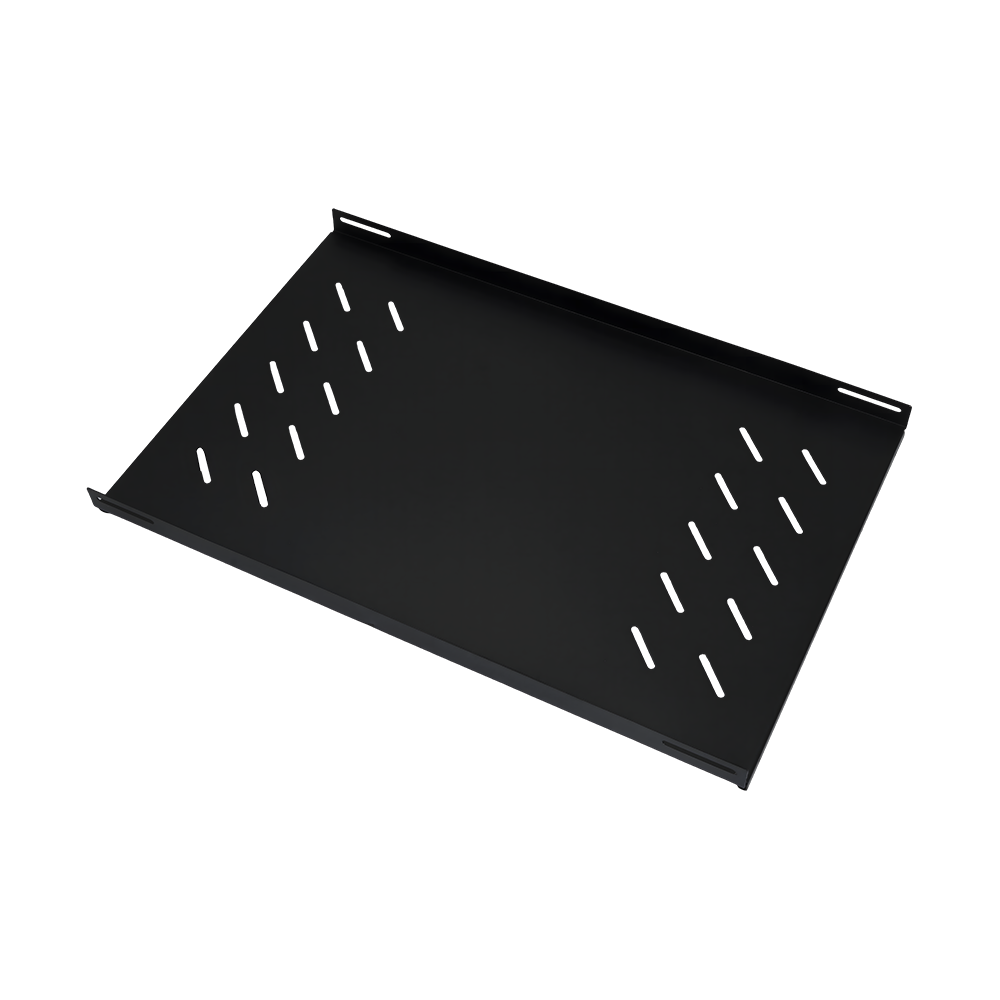
Network cabinets serve as the foundation for organizing communication hardware, creating a structured environment that defines the space and operating boundaries for electronic equipment.
Auxiliary components shift the system from mere containment to active management, directing cable routes, adjusting heat exchange, and enhancing support surfaces to meet equipment needs.
The integration of the cabinet and accessories eliminates cable chaos, streamlining data flows and improving efficiency, security, and aesthetics through precise physical design.
Don't hesitate to contact when you need us!
We're a reliable partner that shapes our expertise into success for your project.
Oct 12, 2026
The Heated Ceiling Fan: Does It Exist? Smart Heat & Air Circulation Guide If you searched for a heated ceiling fan expecting one appliance that both blows air and warms a room, here is the direct answer: integrated heated ceiling fans exist, but they are a rare, mostly commercial niche. In ordinary homes they ra... read moreOct 05, 2026
Indoor Heaters Buying Guide: Types, Sizing, Wattage, Safety and Cost Tips The right indoor heater is chosen by room size first, heat technology second, and control features last. A 1,300W PTC heater is enough for a bedroom of about 8 to 10 m², while a 2,200W graphene baseboard heater is a better match for a livi... read moreSep 28, 2026
Best Heater for Greenhouse: Types, Sizing Tips and Buying Advice | Baopeng Short answer first: for most backyard and small commercial greenhouses, the best heater setup is a thermostat-controlled, fan-forced ceramic heater to hold overall air temperature, backed by a small radiant tube heater aimed at the bench o... read moreSep 21, 2026
Fan with Heat: How Fan Heaters Work, Which Type to Buy, and Where They Fit Best If a cold room needs to feel comfortable in minutes rather than an hour, a fan with heat — sold most often as a fan heater — is the most direct tool for the job. The unit pulls room air across a heating element and throws it back out as a ... read more
Network cabinets and accessories are the physical layer that keeps switches, patch panels, servers, and power distribution gear organized, cooled, and protected from everyday wear. The category spans wall-mount and floor-standing enclosures, open frame racks, mounting rails, cable management arms, ventilation fans, and the smaller hardware that ties a rack together. Picking the wrong combination shows up later as tangled cabling, overheating ports, or a cabinet door that rusts shut in a coastal warehouse — picking the right one is mostly a question of steel quality, airflow design, and matching accessories to the room the cabinet actually lives in.
At Ningbo Baopeng Electric Appliance Co., Ltd, cabinet frames are built from SPCC cold-rolled steel, and the reason that spec keeps showing up in enclosure datasheets is consistency: cold-rolled sheet holds tighter tolerances than hot-rolled stock, which matters once you're trying to line up a 19-inch rack rail or a hinged door across a welded frame. Steel alone isn't what stops rust, though — it's the treatment stack applied afterward. A typical corrosion-resistant path runs through phosphating (a thin conversion coating that gives paint something to grip), then either electrostatic powder coating or electrophoretic priming, sometimes both on the same part, with primer on recessed welds and powder coat on the visible shell.
The chart below lines up the three treatments by the film thickness they typically add, since thickness is the simplest proxy installers use to judge coverage on a spec sheet.
General industry reference ranges for enclosure coating stages, not a measurement of any single product.
In practice this means the powder coat layer is doing most of the visible protection work, while the primer underneath is what keeps corrosion from creeping in along a weld seam or a cut edge where the powder coat is thinnest. A cabinet that skips the primer step and relies on powder coat alone tends to fail first at the joints, not on the flat panels.
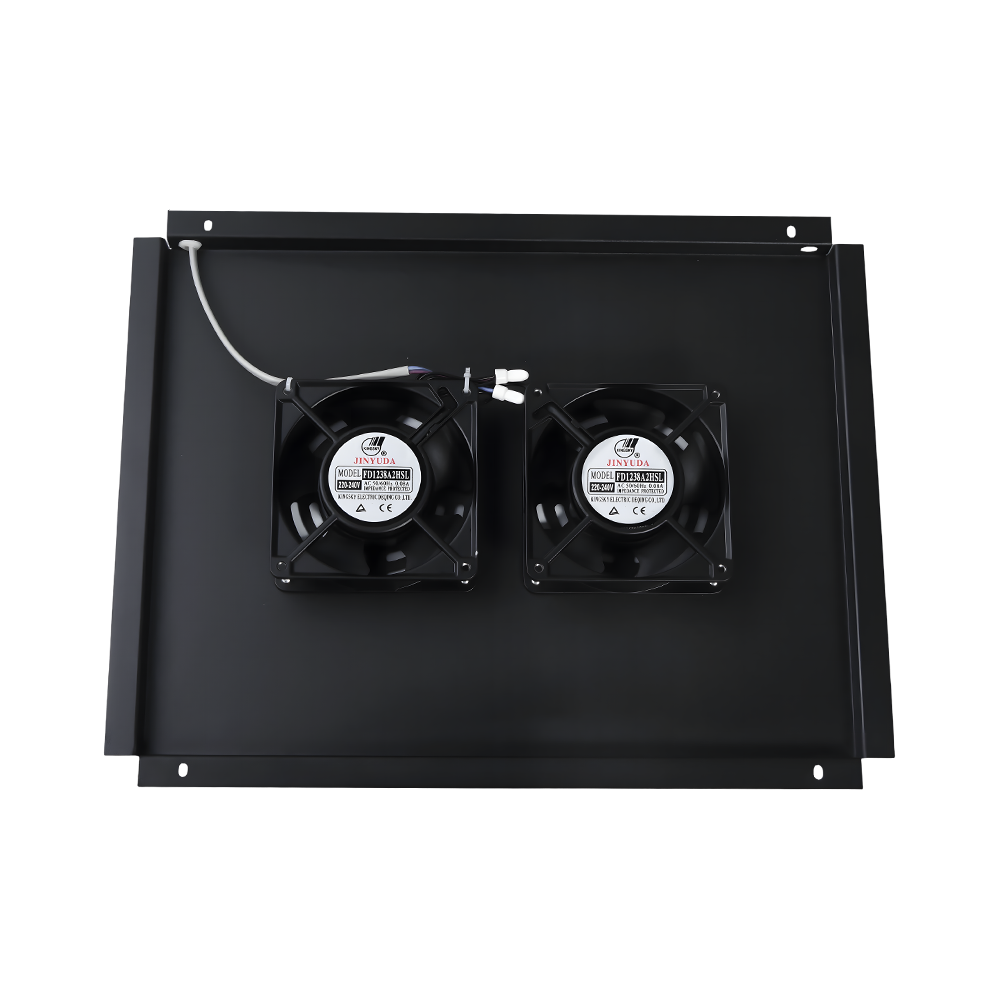
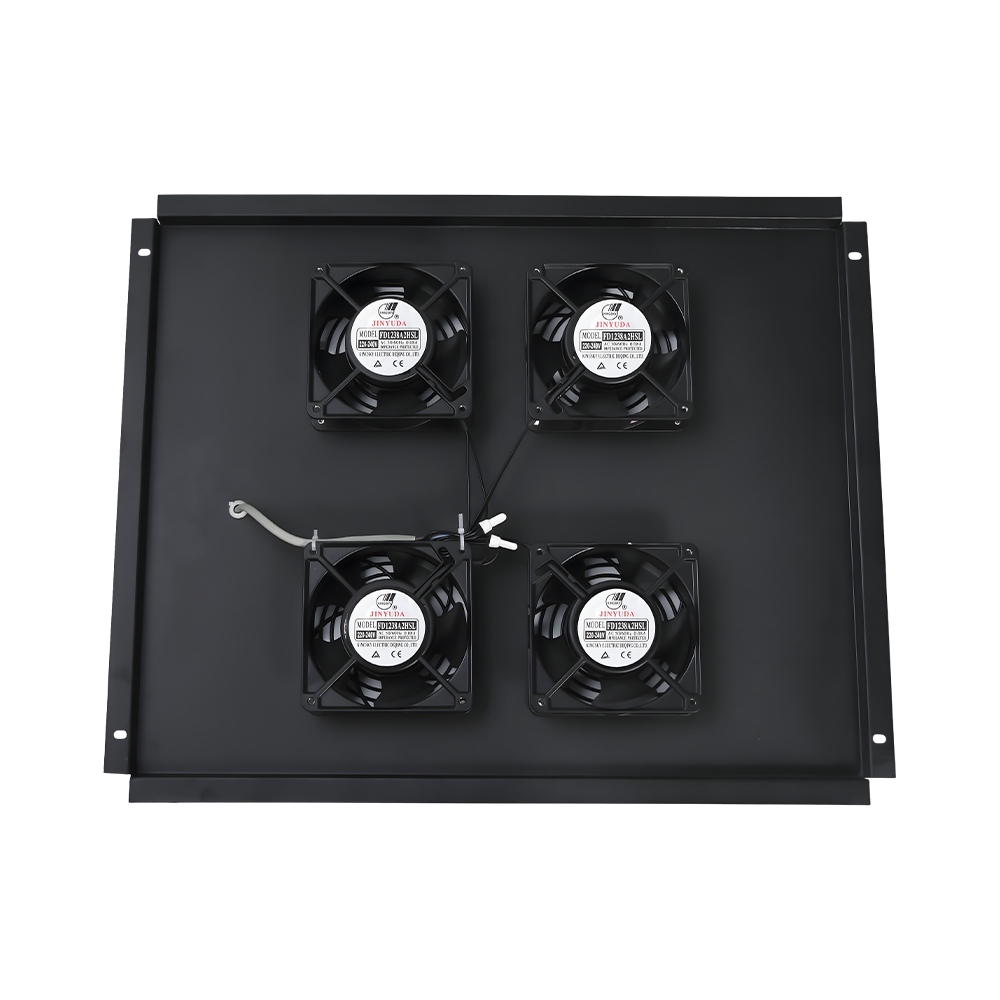
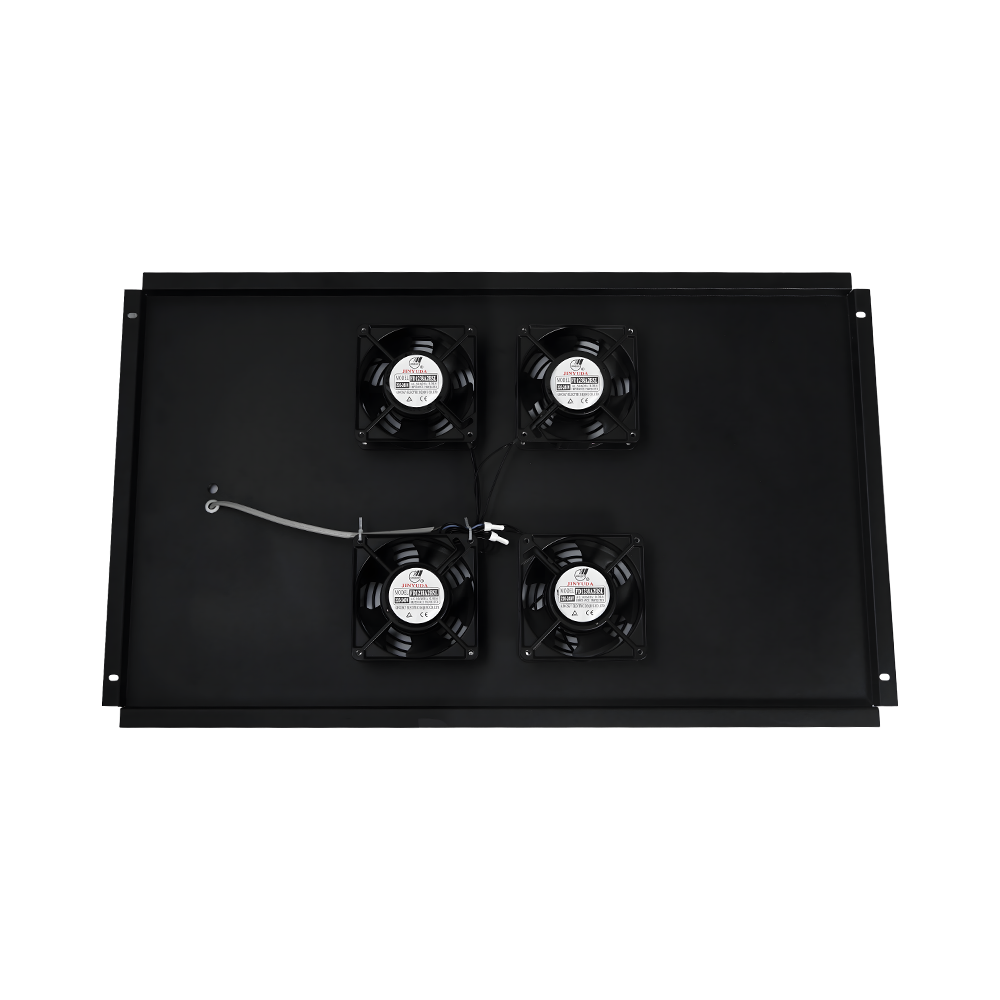
Heat inside a closed cabinet doesn't build up evenly — it pools near the top rear, right where switches and PDUs usually sit. Fan placement is what fixes that: intake low and front, exhaust high and rear, so air is pulled across the equipment instead of just circulating near the roof vents. This is one of the areas where enclosure design and cable management decisions overlap, and it's a point Baopeng runs into constantly when specifying vent panels and cable pass-through positions for customers — a vent cut in the wrong spot on the door can leave a fan doing very little useful work.
Illustrative comparison of internal temperature trend, not lab-measured data for a specific model.
Cable management follows the same logic as airflow: it works best when planned before the rack fills up. A few habits that hold up over time:
Most of the accessories sold alongside a cabinet exist to solve one specific friction point, and it helps to think about them that way rather than as a generic add-on list. A PDU strip solves power distribution across a tall rack; a cable manager solves the mess of dozens of patch cords; a mounting rail solves how equipment physically attaches to the frame. The table below groups the accessories that come up most often around what problem they're actually there to fix.
| Accessory | Primary Purpose | Typically Needed When |
|---|---|---|
| 19" mounting rails | Standardized equipment attachment | Any rack-mount switch, patch panel, or server |
| Cable management arms/rings | Keeping cable runs organized and labeled | Racks with more than a handful of active ports |
| Fan units / vent panels | Active or passive heat removal | Enclosed cabinets holding switches or PDUs |
| PDU / power strips | Distributing power across mounted equipment | Racks with multiple powered devices |
| Cable pass-through panels | Routing cable in/out without leaving a gap | Wall-mount cabinets in shared or public areas |
Because Baopeng manufactures the enclosures and the supporting hardware together, mounting hole patterns, vent placement, and accessory dimensions are worked out to fit the same frame rather than sourced as an afterthought — which is the detail that usually decides whether a Network Cabinets And Accessories order goes together cleanly on-site or needs rework.
The same basic cabinet shape gets asked to do very different jobs depending on where it's installed. A server closet cares mostly about airflow and quiet operation. An industrial automation enclosure on a factory floor deals with vibration, dust, and the occasional coolant mist. A telecom cabinet mounted outdoors or in an unconditioned space has to handle humidity swings and temperature extremes with no climate control at all. Baopeng builds enclosures for all three — networking, industrial automation, and telecommunications and related infrastructure — and the design brief changes noticeably between them even when the outer dimensions look similar.
Relative illustration of typical demands, not a rating of a specific product line.
A practical way to think about it when specifying a project: an IT room cabinet is optimized for airflow and access, an automation panel is optimized for sealing and mechanical strength, and a telecom cabinet sits somewhere between the two but with heavier weatherproofing on the door seal and cable entries. Getting this wrong in either direction is expensive either way — an over-built IT cabinet chokes airflow it didn't need to, while an under-built automation enclosure lets in the dust it was supposed to keep out. Anyone comparing options for a Network Cabinets And Accessories setup is usually better off starting from the installation environment and working backward to the spec, rather than picking a size first.
Wall-mount cabinets are shallower and hang off a wall, suited to smaller port counts in offices or retail spaces where floor space is limited. Floor-standing cabinets sit on the ground, hold far more rack units, and generally give better cable management and cooling headroom for server rooms or larger network closets.
It depends on the equipment load and how sealed the door is. A lightly loaded cabinet with a vented door can often rely on passive convection. Once switches, PDUs, and patch panels fill the rack, an active fan with a clear intake/exhaust path becomes the more reliable choice.
Indoor doesn't mean dry — condensation, cleaning chemicals, and humid climates all affect untreated steel. A phosphated and coated frame resists corrosion at welds and cut edges even in an indoor closet, which is where enclosures most often start showing rust first.
The frame construction can be similar, but sealing, venting, and mounting accessories usually need to change. An automation panel typically needs tighter door seals and vibration-resistant mounting, while a networking cabinet prioritizes airflow and cable access.
Don't hesitate to contact when you need us!
For any questions and feedback from customers, we will reply patiently and meticulously.

The product has obtained multiple domestic and international certifications, including 3C, CE, ROHS, CB, and the ISO9001 quality management system.
CONTACT US
Address: No. 118, Guyao Highway, Zhangqi Town, Cixi City, Zhejiang Province, China
Wechat: +86-15921162693
Email: [email protected]
Mobile



 English
 Español
 عربى
عربى